
You’ve spilled coffee, noticed grime buildup, or just want a deep clean. Your mouse pad looks tired, and you’re wondering if you can throw it in the washing machine. The answer isn’t a simple yes or no. Washing a mouse pad in the washing machine is risky and only safe for specific models. Most standard cloth pads, like the popular Logitech G240, can suffer permanent damage from machine agitation and water exposure. But high-end stitched pads, such as LTT desk pads, can often survive a gentle cycle if done correctly.
This guide cuts through the confusion with a clear, step-by-step approach based on material type, construction, and manufacturer guidelines. You’ll learn when machine washing is acceptable, how to do it without destroying your pad, and what safer alternatives exist for everyday cleaning. Whether you’re a gamer, remote worker, or creative pro, keeping your mouse pad clean boosts hygiene, tracking performance, and longevity, all without risking a ruined investment.
Check If Machine Washing Is Safe
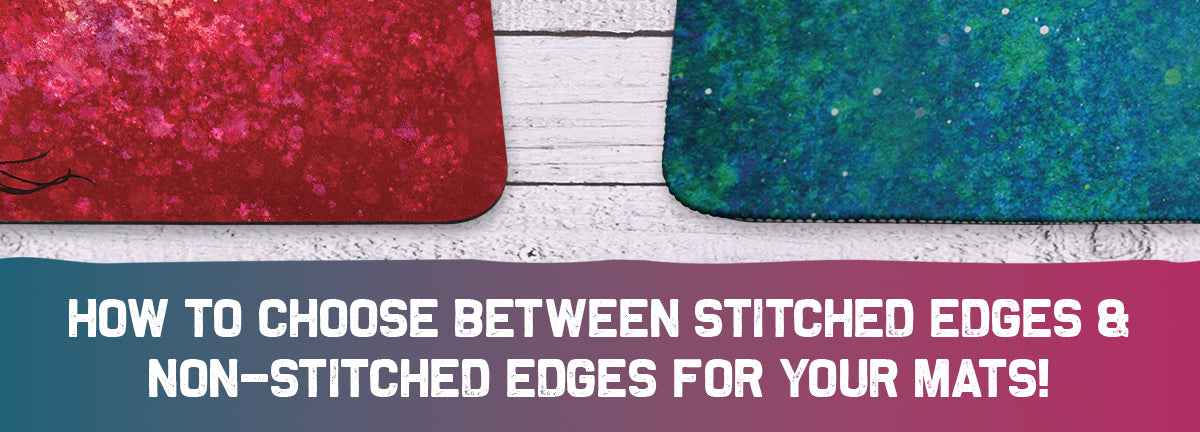
Before considering the washing machine, verify your mouse pad’s construction and manufacturer care instructions. Not all pads are created equal, and using the wrong method can lead to bubbling, fraying, or delamination.
Know Your Pad Type
• Cloth pads with glued edges (for example, Logitech G240) are not safe for machine washing. The adhesive binding the fabric to the rubber base weakens when soaked or agitated, leading to peeling.
• Stitched-edge pads (for example, SteelSeries QcK Edge, LTT Desk Pad) are more durable. Some, like LTT pads, explicitly permit machine washing when especially dirty.
• Hard, rubber, or glass pads never machine wash. These require only wipe-downs.
How to Check Compatibility
-
Review the product manual or website. Look for terms like machine washable, hand wash only, or care symbols.
-
Inspect the edges. Are they stitched or just glued? Stitched edges mean better chance of survival.
-
Look for bubbling or wear. Older pads with existing glue separation should never be machine washed.
If your pad isn’t explicitly labeled as machine-washable or lacks stitched edges, skip the machine and use hand-cleaning methods instead.
Machine Wash Only If Conditions Are Right
If you’ve confirmed your pad is machine-washable, like an LTT desk pad, follow these exact steps to minimize risk.
Use Cold Delicate Cycle Only
• Set the washer to Delicate or Gentle mode. This reduces spin speed and agitation, protecting the bond between layers.
• Water temperature must be cold. Warm or hot water softens rubber and weakens adhesive, increasing delamination risk.
• Wash alone or with soft items. Avoid zippers, buttons, or heavy fabrics that could rub or snag the surface.
Protect the Pad During Washing
• Place inside a pillowcase or mesh laundry bag. This adds a protective layer and prevents direct contact with the drum.
• Do not use detergent unless necessary. If the pad is heavily soiled, use a tiny amount of mild liquid detergent. Never use powder, bleach, or fabric softener.
Never Use the Dryer
• Air dry only. Heat from dryers warps rubber and accelerates glue failure.
• Hang with cloth side up. Drape the pad over a drying rack or clothesline, ensuring the fabric faces upward to prevent stretching.
• Avoid direct sunlight or radiators. UV and heat degrade rubber over time.
Even with perfect conditions, machine washing shortens the lifespan of most mouse pads. Reserve it for extreme dirt and only when the manufacturer approves.
Hand Wash: The Safer Deep Clean

For most users, hand washing is the best way to deep clean a mouse pad safely. It gives you full control over water exposure, scrubbing pressure, and drying.
Soak in Lukewarm Water
• Fill a bathtub or large sink with lukewarm water, not hot.
• Submerge the pad for 10 minutes to loosen dirt and oils.
• Avoid prolonged soaking over 30 minutes, especially for non-stitched models.
Clean With Mild Soap and Soft Brush
• Add 1 to 2 drops of mild dish soap or hand soap to the water.
• Gently rub the surface with your hands or a soft-bristle toothbrush for stubborn stains.
• Focus on high-use areas where sweat and oils accumulate.
• Never scrub aggressively. This can flake the surface, especially on older pads.
Rinse and Dry Properly
• Rinse thoroughly under running water until no soap suds remain.
• Press out excess water with a clean towel. Do not wring or twist.
• Lay flat on a dry towel, rubber side down, or hang over a rack.
• Allow 12 to 24 hours to dry completely before use.
This method works well for stitched pads and is the only recommended deep clean for glued models like the G240.
Spot Clean for Routine Maintenance
For monthly upkeep or light soiling, spot cleaning avoids water damage while keeping your pad fresh.
Use Mild Soap Solution
• Mix 1 to 2 drops of mild dish soap per cup of warm water.
• Dampen a microfiber cloth. Never pour liquid directly on the pad.
• Wipe in small circles, focusing on stained areas.
• Use a second water-dampened cloth to remove soap residue.
Test First on Hidden Area
• Apply the solution to a corner or underside first.
• Wait 5 minutes to check for color bleeding or texture changes, especially on printed pads.
Dry in 4 to 6 Hours
• Wipe with a dry microfiber cloth.
• Let air dry on a flat surface, away from direct heat.
• Ready to use once fully dry, usually within half a day.
This method preserves adhesive bonds and extends pad life significantly.
Vacuum and Wipe: No-Water Cleaning
For users who sweat lightly or want zero moisture risk, dry cleaning is ideal.
Remove Debris With Vacuum
• Use a vacuum with a soft brush attachment.
• Gently pass over the surface to lift dust, hair, and dead skin.
• Pay attention to edges and corners where debris collects.
Wipe With Damp Microfiber Cloth
• Dampen a microfiber cloth with plain lukewarm water.
• Wipe with the grain of the fabric to avoid fiber damage.
• Do not saturate. Just enough moisture to lift surface oils.
This method is perfect for monthly maintenance and prevents long-term grime buildup without any risk to the pad’s structure.
Avoid These Cleaning Mistakes
Even with good intentions, common errors can ruin your mouse pad.
Never Use Harsh Chemicals
• Bleach, ammonia, or strong cleaners discolor fabric and degrade rubber.
• Fabric softener leaves a slippery residue that interferes with mouse tracking.
Do Not Speed Up Drying
• No hair dryers, radiators, or direct sun. Heat warps the rubber base and weakens glue.
• Never use while damp. Moisture can damage your desk and promote mold.
Avoid Aggressive Scrubbing
• Steel wool, stiff brushes, or abrasive sponges scratch or flake the surface.
• Even hand washing requires a gentle touch, especially on older pads.
Stick to soft cloths, microfiber, and gentle motion for best results.
Choose the Right Pad for Easy Cleaning
If you hate cleaning hassles, consider switching to a low-maintenance mouse pad.
Rubber or Hard Pads
• All-rubber pads are durable, easy to wipe, and sweat-resistant.
• Hard pads (for example, Logitech G440) offer smooth glide and long-lasting performance.
• Cleaning involves wiping with damp cloth and mild soap. No soaking needed.
Glass Pads
• Extremely smooth surface ideal for sweaty hands.
• Wipe clean in seconds with glass cleaner or disinfectant wipes.
• Downside involves higher cost and potential for scratching.
These alternatives eliminate adhesive risks and simplify maintenance.
When to Replace Your Mouse Pad
No cleaning method can fix a worn-out pad. Watch for these signs.
Surface Flaking or Bubbling
• Flaking indicates fabric shedding from age or harsh cleaning.
• Bubbling means air pockets where glue has failed. This is irreversible damage.
Persistent Odors or Stains
• If smells remain after cleaning, bacteria or mold may be embedded.
• Deep-set stains suggest porous degradation.
Wrinkling or Warping
• Caused by repeated moisture exposure or poor drying.
• Affects flatness and mouse tracking accuracy.
If your pad shows these issues, replace it. Continued use harms performance and hygiene.
Frequently Asked Questions About Washing Mouse Pads
Can I wash my Logitech G240 in the washing machine?
No. The Logitech G240 has a thin cloth top glued to a rubber base. Machine washing can cause the adhesive to fail, leading to bubbling or peeling. Hand washing or spot cleaning is recommended instead.
How often should I clean my mouse pad?
Routine maintenance with vacuuming and wiping should happen once a month. Deep cleaning through hand washing should occur every 1 to 2 months or when visible dirt appears.
What happens if I use bleach on my mouse pad?
Bleach will likely discolor the pad and degrade the fabric and rubber materials. Always avoid bleach, ammonia, and harsh chemicals when cleaning any mouse pad.
Can I dry my mouse pad in the dryer?
No. Machine drying is strictly prohibited. Heat warps the rubber base and weakens the adhesive bond. Always air dry your mouse pad flat or hanging, away from direct heat sources.
Are stitched-edge pads better for machine washing?
Yes. Stitched-edge pads like the SteelSeries QcK Edge and LTT Desk Pad are more durable and resistant to fraying. Some manufacturers, like LTT, explicitly permit machine washing on delicate cycles for these models.
What is the safest way to clean a glued-edge mouse pad?
The safest method is vacuuming with a soft brush attachment followed by wiping with a damp microfiber cloth. Avoid soaking, machine washing, or aggressive scrubbing to protect the adhesive bond.
Key Takeaways for Washing Your Mouse Pad
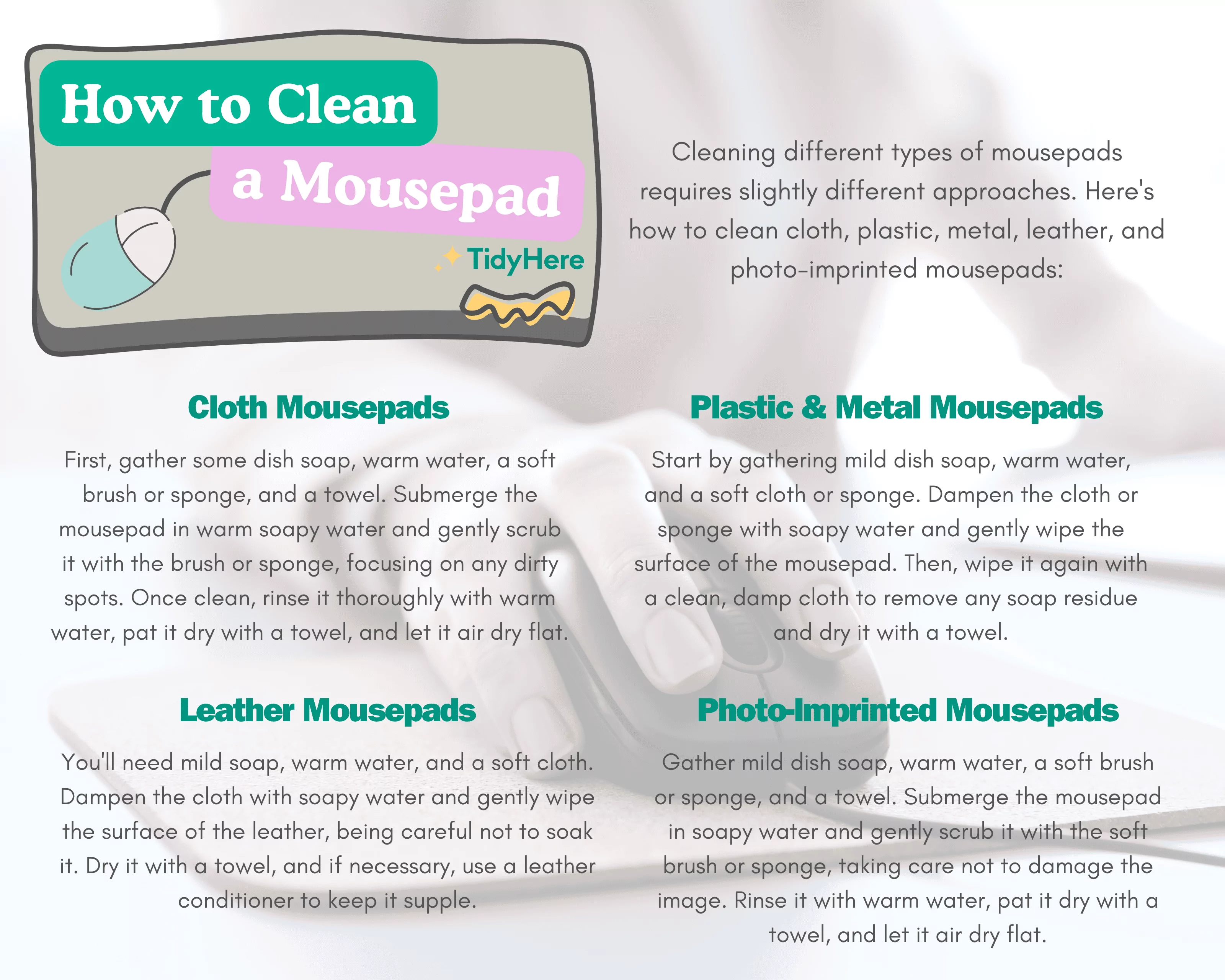
Machine washing a mouse pad is only safe for select stitched models like LTT desk pads, using a cold delicate cycle and air drying only. For most users, especially those with glued-edge pads like the Logitech G240, hand washing or spot cleaning is the smart, safe choice. Combine monthly vacuuming and wiping with occasional deep cleans to extend your pad’s life. Always prioritize manufacturer guidelines and material safety over convenience. A clean mouse pad improves tracking, comfort, and workspace hygiene without risking your investment on a ruined surface.



