
Is your LG washing machine frozen mid-cycle, displaying an unfamiliar error code, or simply refusing to respond? A reset can clear these glitches and restore normal operation without requiring a service call. Resetting an LG washing machine reboots the control board, clears temporary software errors, and resolves common electronic issues that plumbers cannot fix. This guide covers every reset method, from basic power cycles to model-specific procedures for ThinQ smart washers, front-loaders, and top-loaders.
Most resets take under 10 minutes and require no tools. However, certain error codes like AE, dE, or CE indicate hardware problems that a reset cannot fix. Understanding when to reset and when to call a professional will save you time and prevent further damage. Let’s walk through the exact steps to get your LG washer running smoothly again.
Universal Reset Methods

These three techniques work across nearly all LG washer models. Start with the simplest method and escalate only if needed.
Power Cycle Reset
This is the most reliable first step for clearing temporary software glitches. It fully powers down the control board and discharges residual electricity from internal capacitors.
- Press the Power button to turn off the washer.
- Unplug the washer from the wall outlet, or switch off the circuit breaker supplying power.
- Wait exactly 3 minutes. This duration is critical for complete capacitor discharge.
- Plug the washer back in or restore power at the breaker.
- Press Power to restart the unit.
This method works for frozen displays, unresponsive buttons, random error codes, and post-power-outage issues.
Time required: 4 minutes
Difficulty: Easy
Works for: Most electronic glitches including display freeze and control panel unresponsiveness.
Manual Button Discharge Reset
When the power cycle fails, this method forces a deeper reboot by manually discharging the control panel capacitors.
- Turn off the washer using the Power button.
- Unplug the unit from the wall outlet.
- Press and hold the Start/Pause button for 5 seconds while the washer remains unplugged.
* On some models, hold the Power button instead.
* For ThinQ smart models, hold Power for 5 to 10 seconds. - Plug the washer back in.
- Press Power to turn the unit on.
This works for completely frozen screens, non-responsive touch panels, or when the washer won’t power on after a power surge.
Extended Wait Reset
Use this method for stubborn glitches that persist after standard resets, particularly with touchscreen models or recurring software crashes.
- Turn off and unplug the washer.
- Wait 5 to 10 minutes, which is longer than the standard 3-minute cycle.
- Plug it back in and press Power to restart.
This method is best for touchscreen lag, repeated error messages, or erratic control panel behavior after multiple reset attempts.
Model-Specific Reset Procedures

Not all LG washers respond to the same reset procedure. Here’s how to reset by washer type.
LG ThinQ Smart Washer Reset
Smart models often experience connectivity or app sync issues that resetting can resolve.
- Perform a Power Cycle Reset (3-minute wait).
- Open the LG ThinQ app on your smartphone.
- Tap your washer, then go to Settings.
- Select Reset Device or Reconnect and follow the prompts.
- Re-pair the washer with your Wi-Fi network if prompted.
This fixes offline status, app control failure, delayed notifications, and firmware update hangs. Custom settings like favorite cycles and Wi-Fi passwords typically remain preserved.
Pro tip: After resetting, run a Diagnostic Test in the app to check motor, sensor, and drain performance.
Front-Load Washer Reset
Front-load models are prone to imbalance and door lock issues. Use the manual button method for best results.
- Unplug the washer.
- Press and hold Start/Pause for 5 seconds while the unit remains unplugged.
- Plug the washer back in.
- Press Power to turn it on.
Hidden Reset Button: Some front-load models have a small physical reset button located approximately 45 degrees to the right above the Power button. Use a paperclip to press and hold this button while the washer is powered off.
Use this method when the drum won’t spin, the door stays locked, or a UE (unbalance) error persists after checking the load.
Top-Load Washer Reset
Top-loaders typically respond well to a basic power cycle.
- Turn off the washer using the Power button.
- Unplug for at least 1 minute (3 minutes is optimal for complete discharge).
- Plug back in and press Power to restart.
Important: If water remains in the tub after an interrupted cycle, drain it first using the Drain cycle or by manually pulling the drain hose into a bucket. Starting a new cycle with standing water can trigger balance errors.
This method fixes mid-cycle stops, OE (drain error), and LE (motor lock) errors that sometimes occur after heavy loads.
Fix the CL (Child Lock) Code
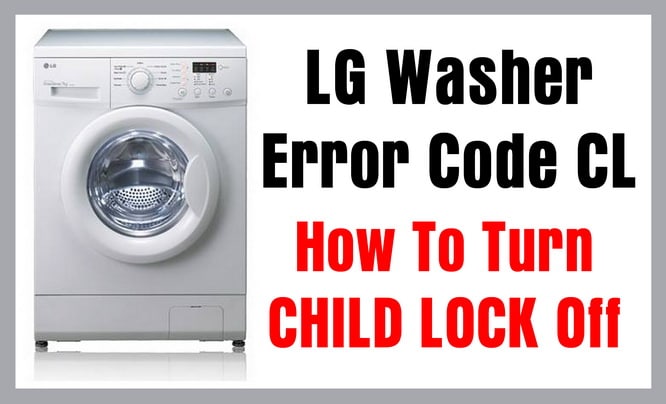
Seeing CL on your display does not require a reset. This is the Control Lock feature, not an error code.
What CL Means
The CL code indicates the Control Lock is active, which disables buttons and the cycle dial to prevent accidental changes during washing. This is a safety feature, particularly useful in households with children.
How to Turn Off CL
- Ensure the washer is powered on.
- Make sure the door is closed securely.
- Press and hold the Rinse and Spin button (or the dedicated Child Lock button on some models) for 3 to 5 seconds.
- The CL symbol will disappear from the display.
If this does not work, try holding Delay Start or Spin Speed for 5 seconds, as button assignments vary by model.
This code is often triggered by accidental button presses or minor power fluctuations.
When NOT to Reset Your LG Washer
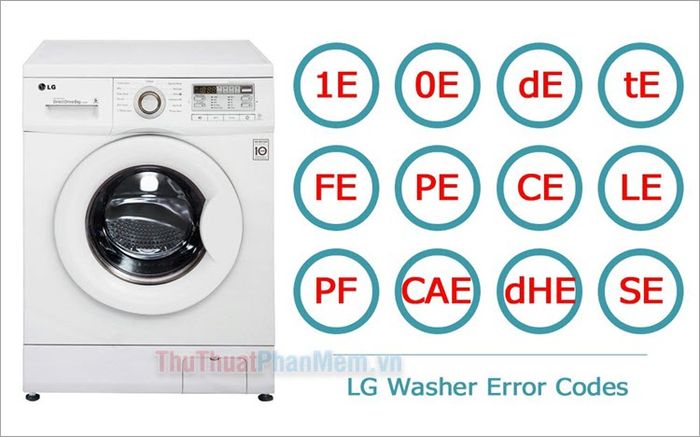
A reset is not always safe or effective. Avoid resetting in these situations.
Active Error Codes That Need Diagnosis
Do not reset if you see these codes, as they indicate hardware issues that require repair:
- AE indicates a Water Supply Error, requiring you to check inlet hoses and water valves.
- dE indicates a Door Error, meaning the door is not latching properly or the lock is faulty.
- CE indicates a Communication Error, pointing to an internal board or sensor fault.
Resetting may temporarily clear these codes but will not fix the underlying hardware problem.
Physical Damage or Leaks
Stop use immediately and do not reset if you notice water pooling under the machine, cracked hoses or drum, or a burnt smell with electrical arcing. Unplug the washer and contact LG support.
Clogged Filter or Drain Issues
Before resetting, address these symptoms:
- Water not draining from the tub
- OE error code displaying
- Slow spin cycles or gurgling sounds
Clean the drain pump filter located behind the front bottom access panel before attempting a reset. Place a towel underneath, open the panel, unscrew the filter cap, remove debris, flush it clean, and reinstall.
Troubleshoot After Reset
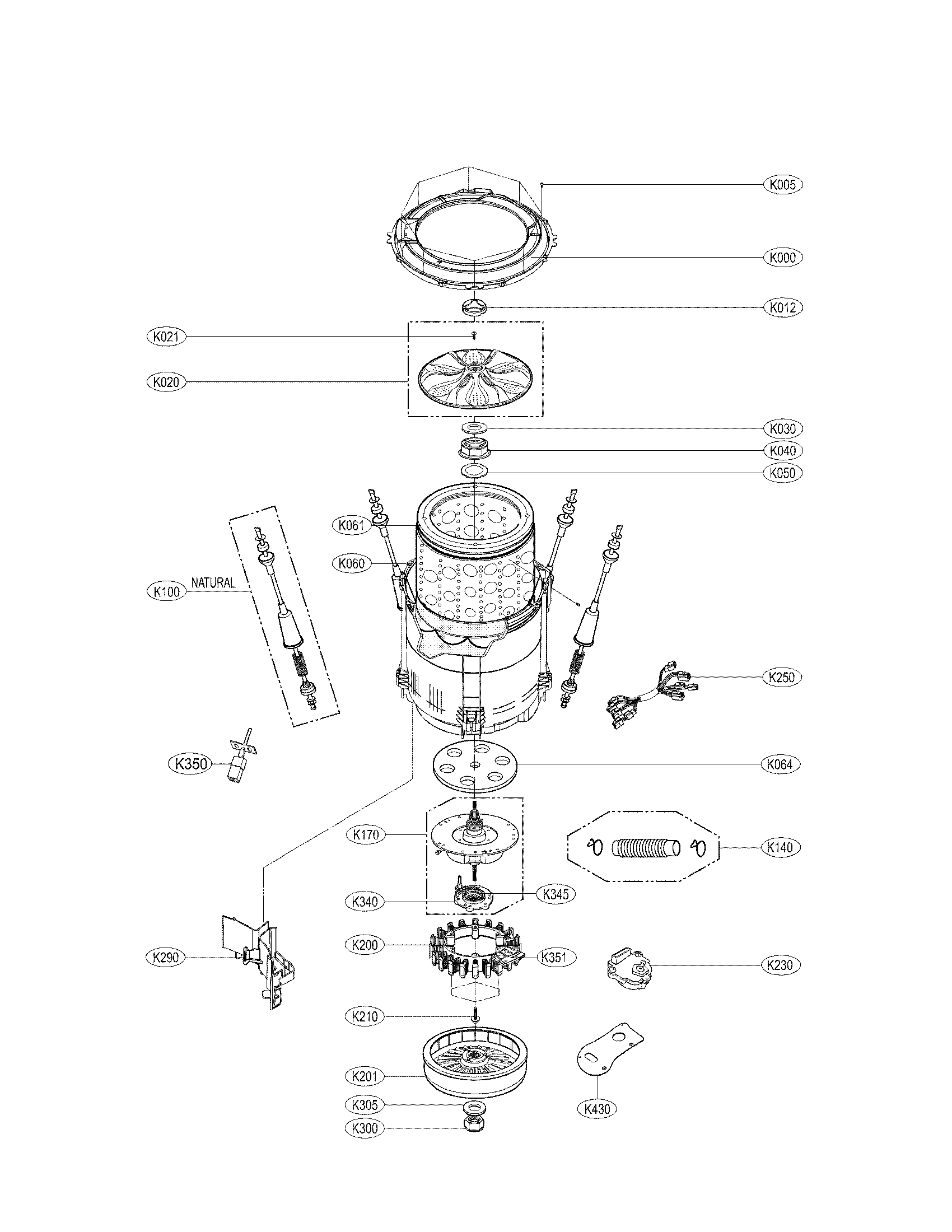
If your washer still misbehaves after a reset, check these common culprits.
Load Imbalance or Overloading
LG washers stop spinning if clothes are bunched unevenly or if the load exceeds capacity.
- Redistribute laundry evenly inside the drum.
- Do not exceed the 15 to 18 pound capacity for standard heavy-duty models.
- Avoid washing single heavy items like comforters alone.
Water Supply Problems
Low water pressure or clogged inlet filters prevent proper tub filling.
- Verify water valves are fully open.
- Check that inlet hoses are not kinked or twisted.
- Clean the inlet filters on the hose ends if you have hard water.
Door Won’t Unlock After Cycle
This is common after power interruptions.
- Wait 2 to 3 minutes, as some models have a safety delay before releasing the lock.
- Unplug for 5 minutes, then try opening the door.
- If still locked, check for a dE error code or contact LG support.
Maintenance Tips to Prevent Future Issues

Regular maintenance prevents many issues that resets cannot fix.
Clean the Drain Filter Monthly
This prevents drainage errors and mold buildup. Locate the filter behind the front bottom panel, turn the cap counterclockwise, remove debris, rinse thoroughly, and reinstall.
Run a Tub Clean Cycle Every Month
Use the Tub Clean mode with bleach or an LG-approved cleaner. This prevents odor, mildew, and sensor errors that can trigger false fault codes.
Wipe Door Seal and Gasket
Front-loaders trap moisture in the rubber seal around the door. Wipe it dry after each use and remove any lint or debris to prevent mold growth and ensure a proper seal.
When to Call a Professional
Despite your best efforts, some issues require expert help.
Call Support If
- Error codes AE, dE, or CE persist after troubleshooting
- The washer leaks, makes loud grinding noises, or won’t fill with water
- The door lock fails repeatedly
- A diagnostic test via the ThinQ app detects motor or control board failure
Next steps: Check your warranty status, use the LG ThinQ app for live diagnostics, and schedule service via LG’s website or call 1-800-243-0000.
Repeated resets will not fix failing hardware. Early intervention saves money and prevents further damage.
Quick Reference Reset Summary
| Issue | Method | Wait Time | Button Hold |
|---|---|---|---|
| General glitch | Power Cycle | 3 minutes | None required |
| Frozen screen | Manual Discharge | 3 minutes | Start/Pause for 5 seconds |
| Touch unresponsive | Extended Wait | 5 to 10 minutes | None required |
| CL code | Button press | Not applicable | Rinse and Spin for 3 to 5 seconds |
| ThinQ offline | Power plus App Reset | 3 minutes | Use app interface |
Frequently Asked Questions About Resetting LG Washing Machines
How do I hard reset my LG washing machine?
Unplug the washer from the wall outlet, wait exactly 3 minutes for the capacitors to discharge, then plug it back in and press Power. This is the most effective reset method for most electronic issues.
Why is my LG washer not responding to button presses?
Try a power cycle first by unplugging for 3 minutes. If the display is frozen, use the manual button discharge method by holding Start/Pause for 5 seconds while unplugged before restoring power.
Does resetting my LG washer erase my settings?
No. A basic power cycle does not erase custom cycles, Wi-Fi passwords, or user preferences. Only a full factory reset would clear those settings.
What does CL mean on my LG washer?
CL stands for Control Lock, which disables buttons to prevent accidental changes. Press and hold Rinse and Spin for 3 to 5 seconds to turn it off.
How long should I wait before plugging my LG washer back in after unplugging it?
Wait exactly 3 minutes for a standard reset. For stubborn glitches or touchscreen issues, wait 5 to 10 minutes to ensure complete discharge of all internal capacitors.
When should I stop resetting my LG washer and call a professional?
Stop resetting if you see error codes AE, dE, or CE, as these indicate hardware faults. Also call for help if the washer leaks water, makes grinding noises, or if the door remains locked after troubleshooting.
Key Takeaways for Resetting Your LG Washing Machine
Resetting your LG washing machine is a fast, safe, and effective way to resolve most electronic hiccups. Start with the 3-minute power cycle, which clears temporary software glitches and reboots the control board. If that fails, escalate to the manual button discharge method or the extended wait reset for touchscreen models. Always check for the CL code (Control Lock) before assuming a malfunction, as this is a simple button press fix.
Avoid resetting when you see AE, dE, or CE error codes, as these indicate hardware issues that require professional diagnosis. Regular maintenance, including monthly drain filter cleaning and tub clean cycles, prevents many issues entirely. If problems persist after proper troubleshooting, use the LG ThinQ app for advanced diagnostics or contact LG support at 1-800-243-0000. With these steps, you’ll keep your washer running like new for years.



